

The New 1Hope Login Experience

Last updated: Jul 15, 2026
789
views

Starting July 21st, the sign-in page for your 1Hope Account will look a little different.
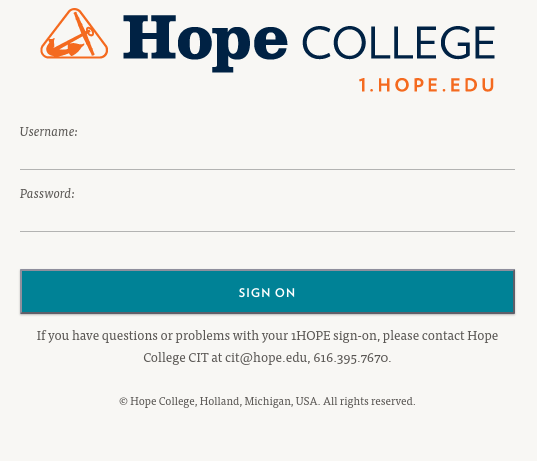
Before, you would sign into your account by navigating to 1.hope.edu (or typing your 1Hope email address into a Google sign-in box) and you would land on sso.hope.edu:
Now, when you navigate to 1.hope.edu (or type your 1Hope email address into a Google sign-in box), you will complete your sign-in flow using the Google password input box.
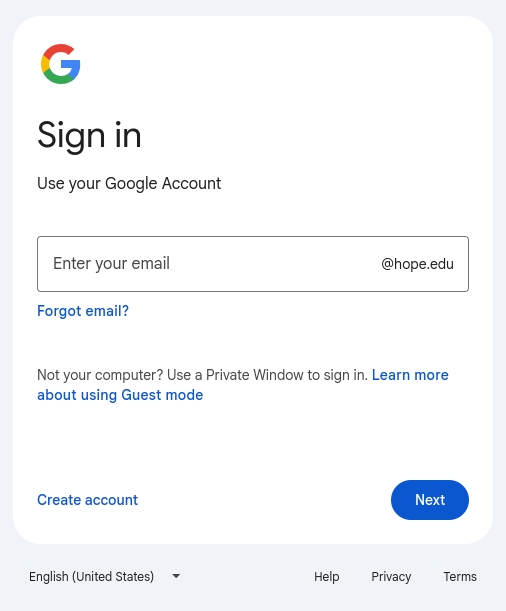 |
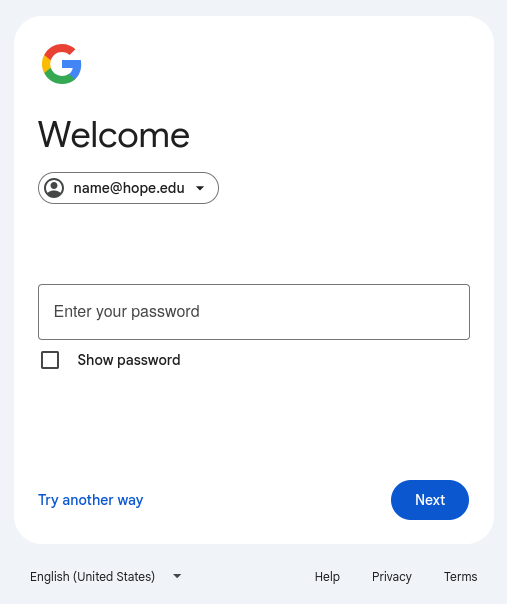 |
This new page provides much greater security and smoother ease-of-use. CIT is really excited about the change. This new Google sign-in experience makes it much harder for malicious parties to brute force and guess your username and password, while also being more aware of unusual sign-in attempts from suspicious locations.

