Self-Service Password Reset

Last updated: Jul 17, 2026
274
views

If you forget your password or need to change it, use the self-service portal.
- Before you start: You need to set up a recovery email address where you can get recovery instructions:
- You can set up a recovery email address here.
1. Navigate to a google login screen like accounts.google.com
2. Type in your email address and click 'Try another way'
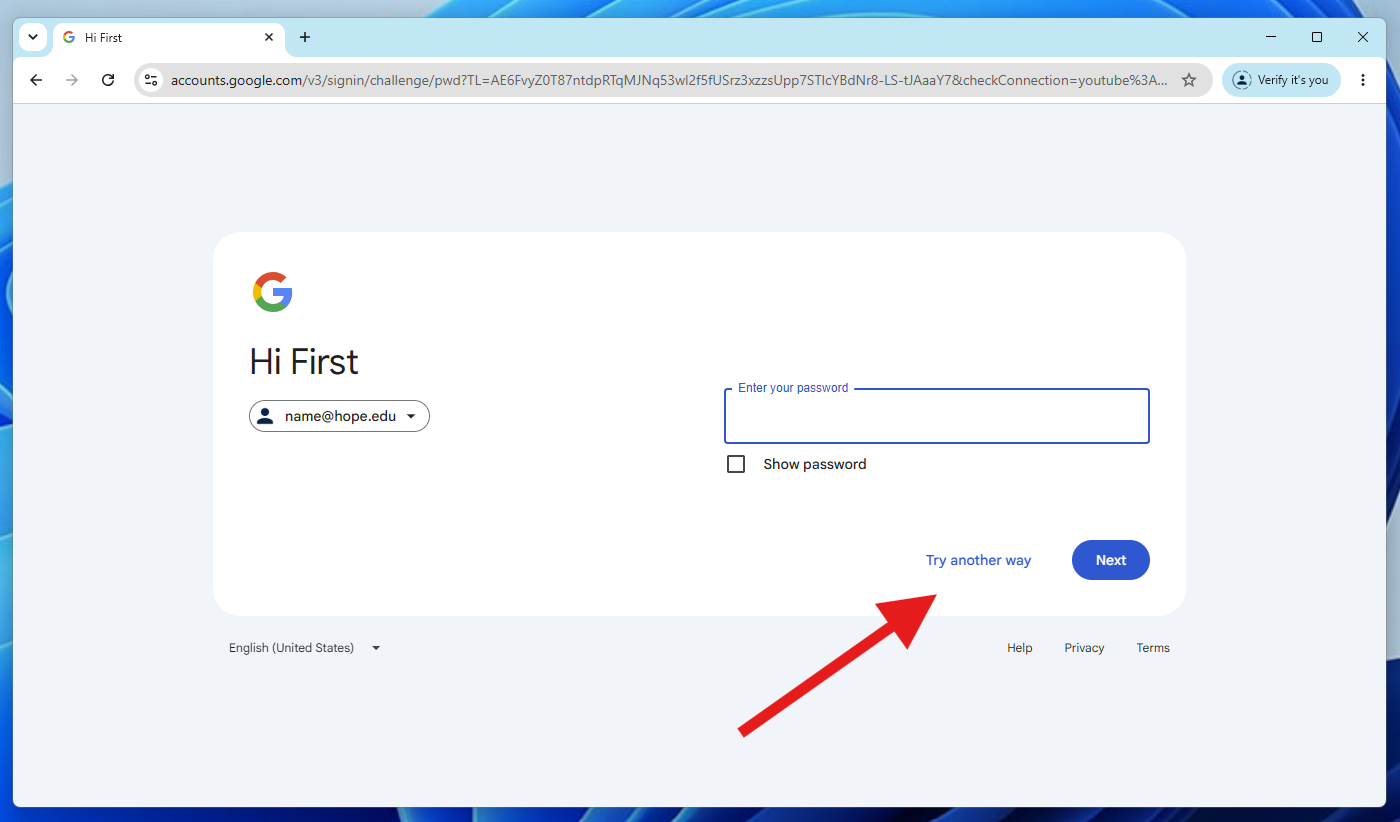
3. If you dont know your password select 'Try another way' again.
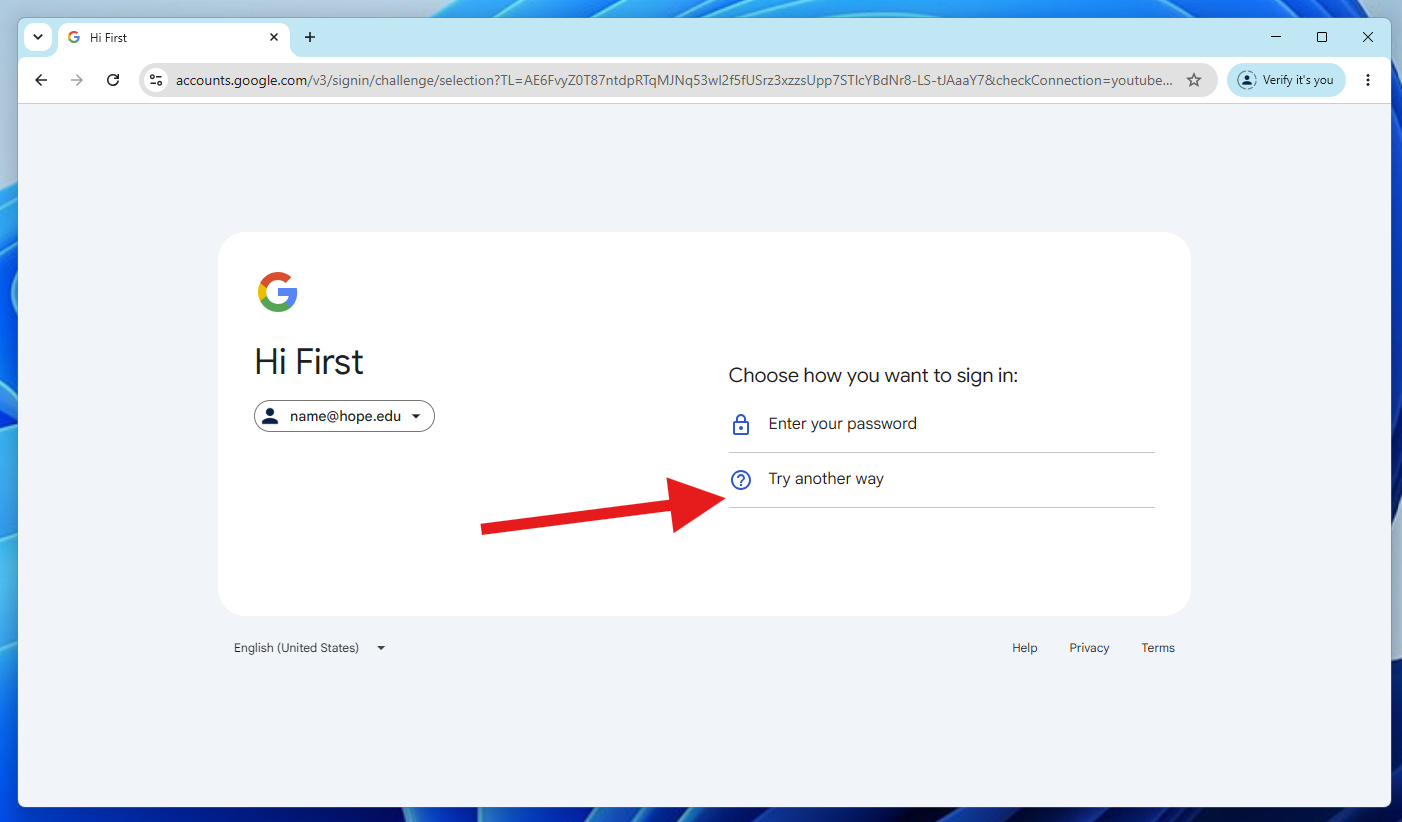
4. Select your recovery email. (If no recovery email is set you'll need to contact CIT at 616-395-7670)
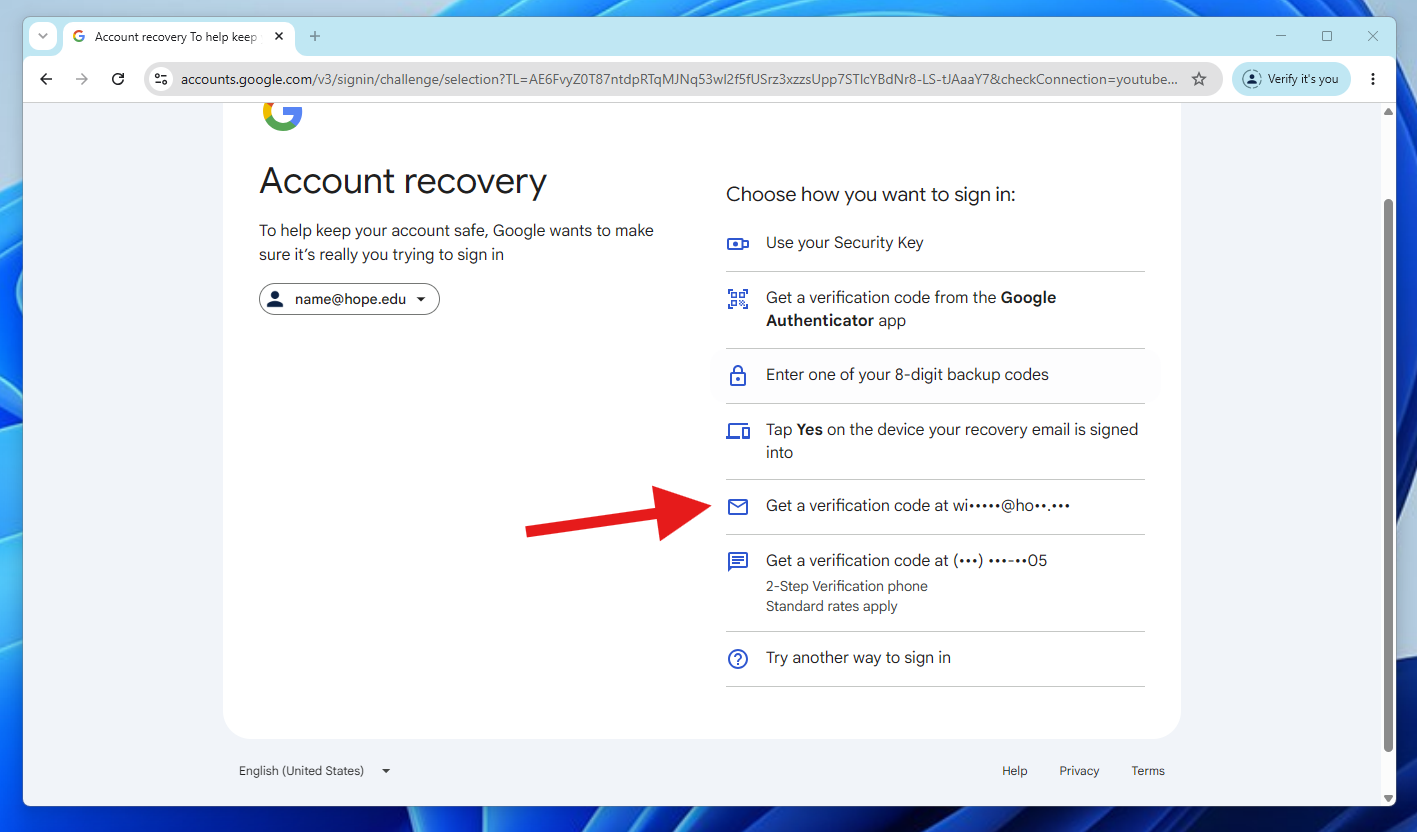
5. You'll receive a code to your recovery email. Enter provided code on the next screen
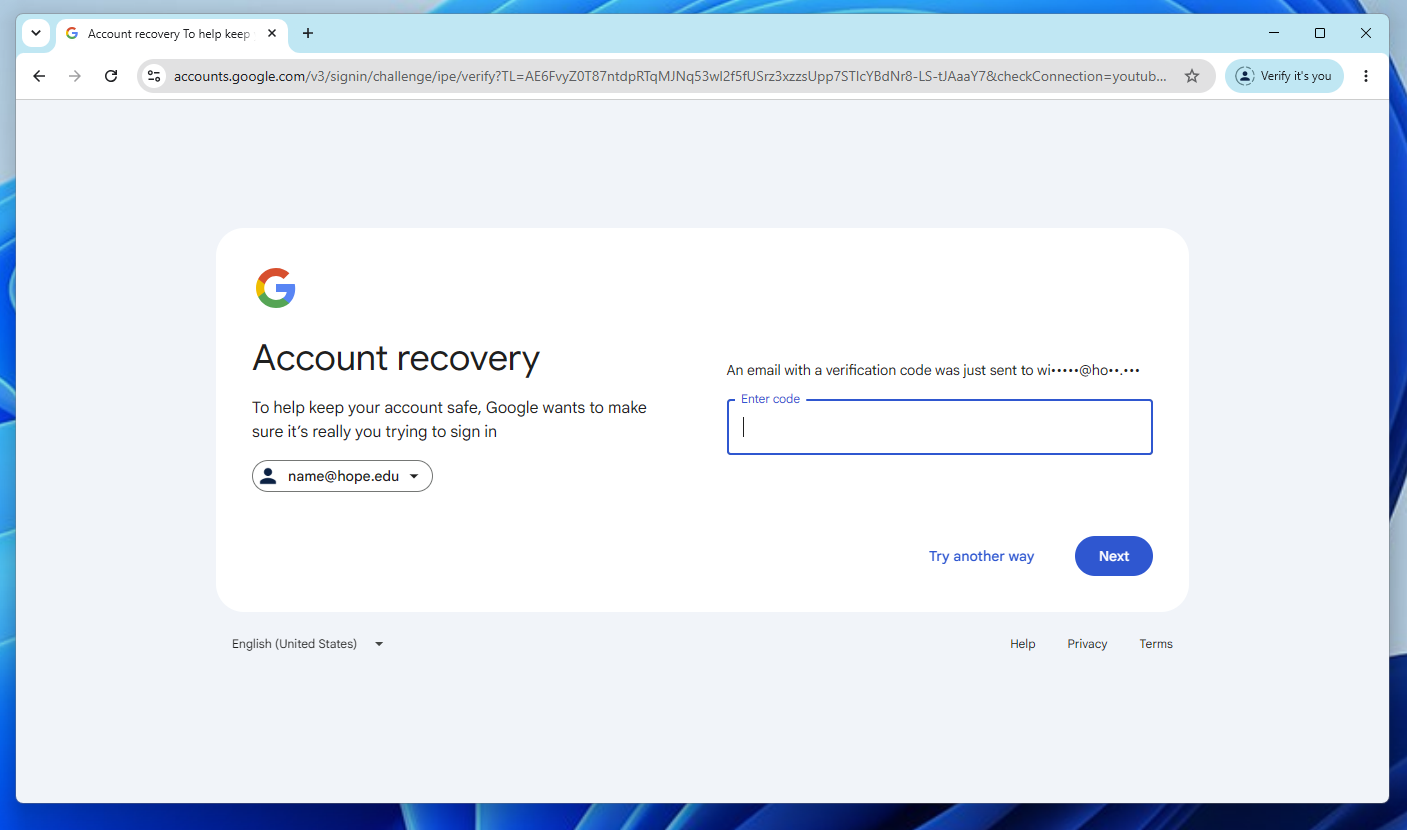
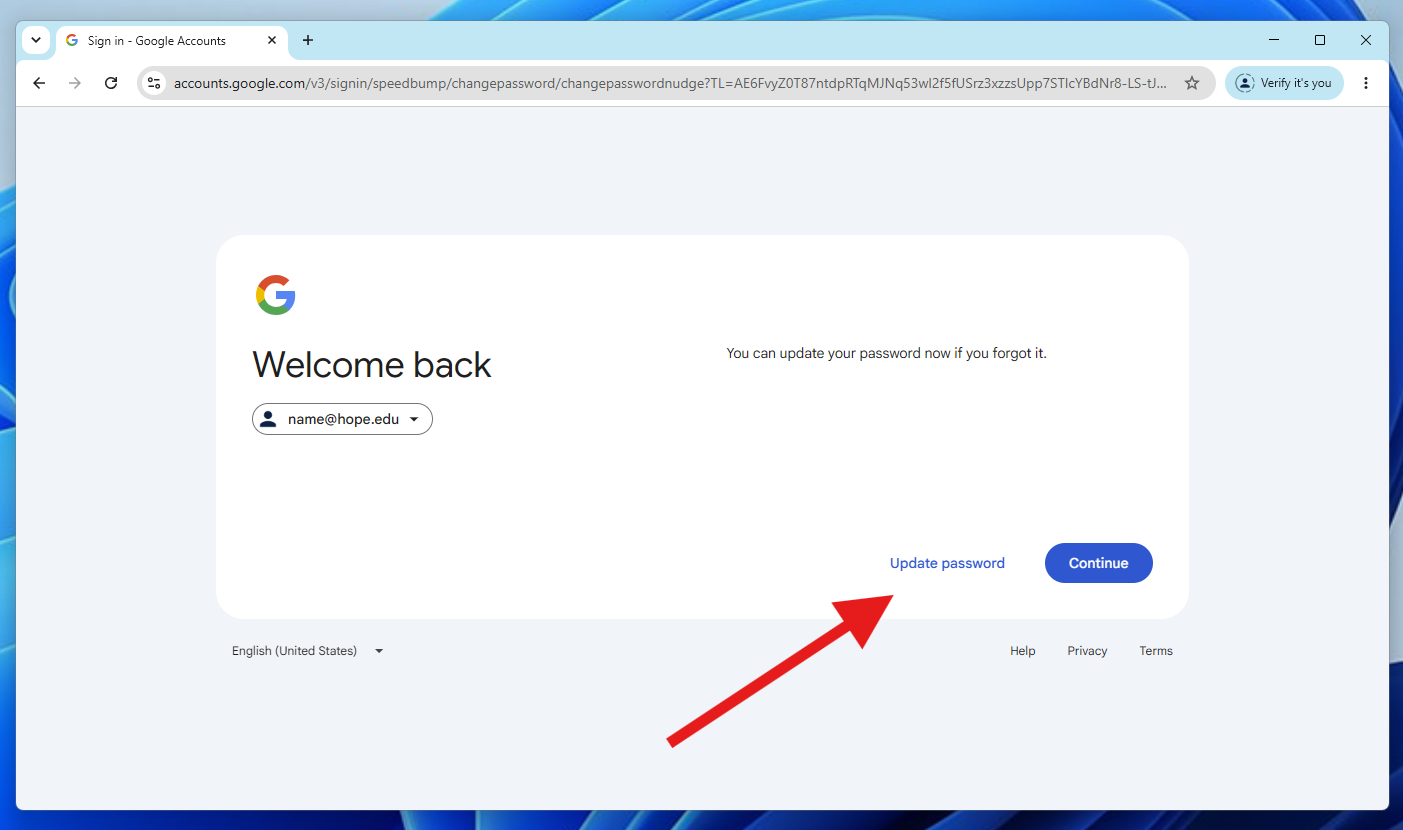
6. Select update password and pick a new secure password